Run A Tournament
A Quick bracket on one phone, or a bar tournament on everyone’s.
- STEP 1Start A Quick Bracket
For 3 to 8 players on one phone. No sign-in and no signal needed, so it works in the back room.
- STEP 2Add The Players
Type the names and Chalky draws up the bracket.
- STEP 3Play What Is On The Board
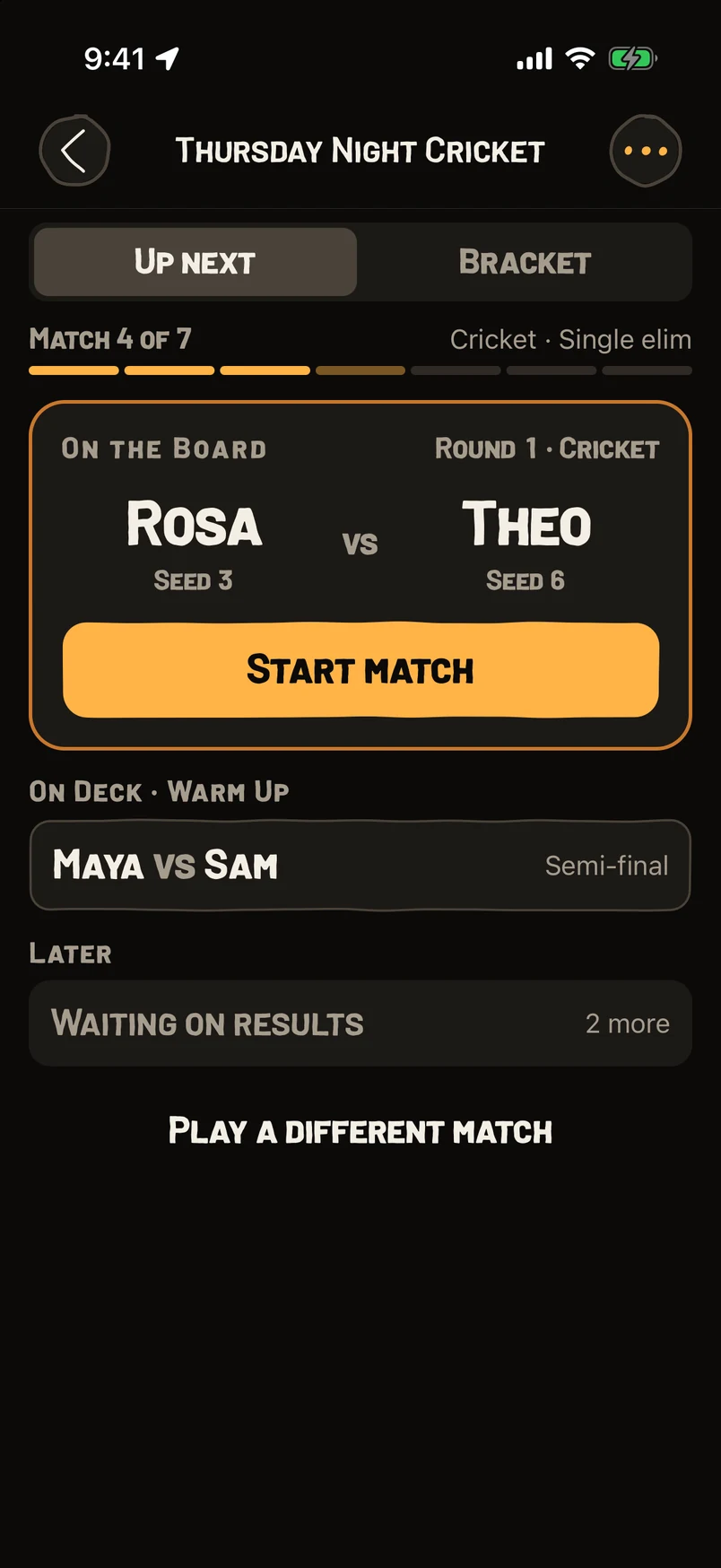
Chalky shows who is up and who is on deck. Tap Start Match and score it like any other game.
- STEP 4Crown A Champion
The bracket fills in as matches finish, all the way to the champion.
- STEP 5Running A Bigger Night?
Start a bar tournament. Players join with a code or a QR and score on their own phones.
- STEP 6Put It On The TV
Open the watch link on the bar’s TV or a laptop and everyone can follow the live board.
Questions
How do players join a bar tournament?
They scan the host’s QR, or go to Settings › Account › Join match (QR / code).
Single or double elimination?
Both. Double elimination adds a losers bracket.
Do players need accounts for a Quick bracket?
No. It all runs on one phone.
Looks Different On Your Phone?These guides follow the newest version of Chalky. If a button here isn't in your app, update Chalky in the App Store and it will be.
Still stuck? Email brian@coasterlogic.com.
More Guides
Get ChalkyFree. No ads.